Home › Swarmly

Swarmly — Support
A fast, satisfying 3D crowd runner for iPhone & iPad.
Need help, found a bug, or have a question about a purchase? You're in the right place. Browse the FAQ below, and if you don't find what you need, email us and we'll get back to you as soon as we can.
Screenshots
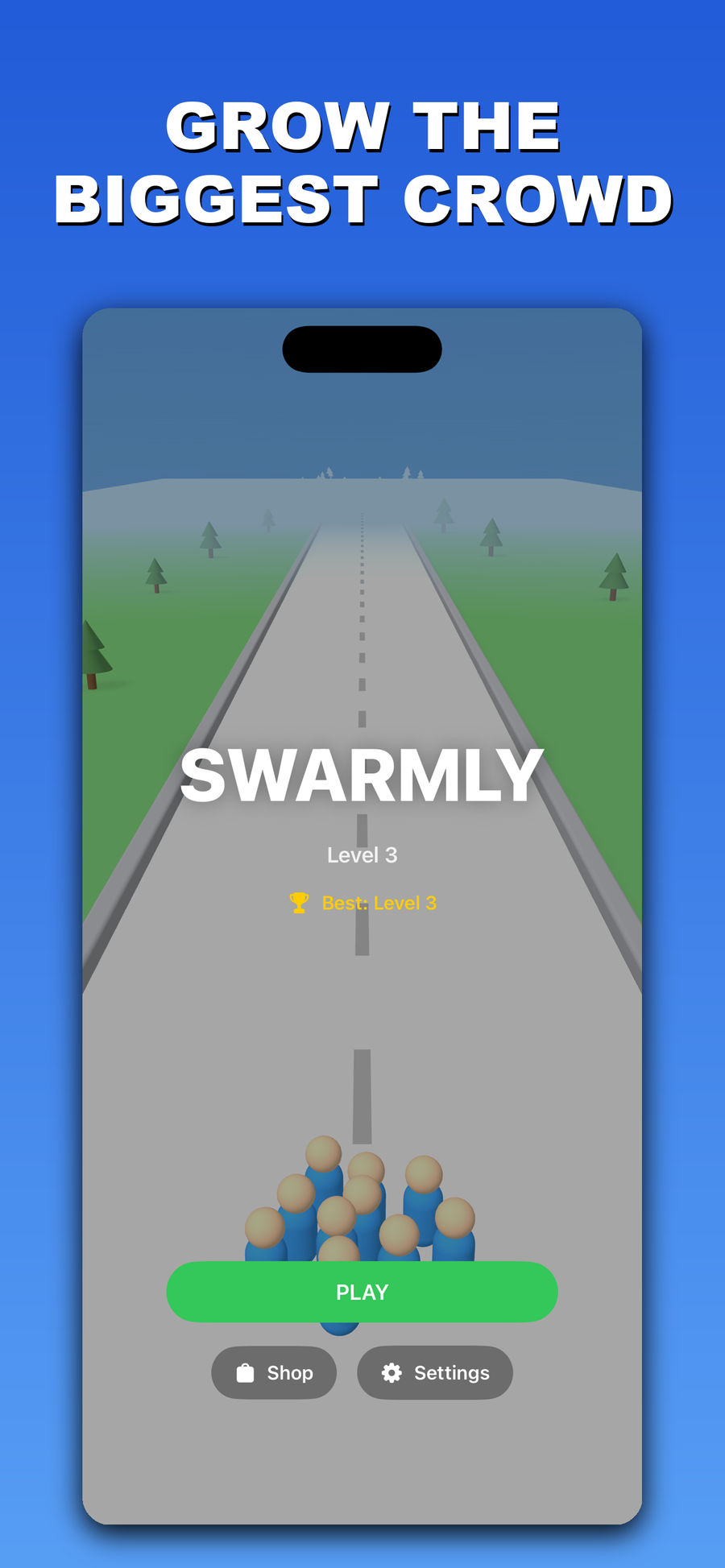
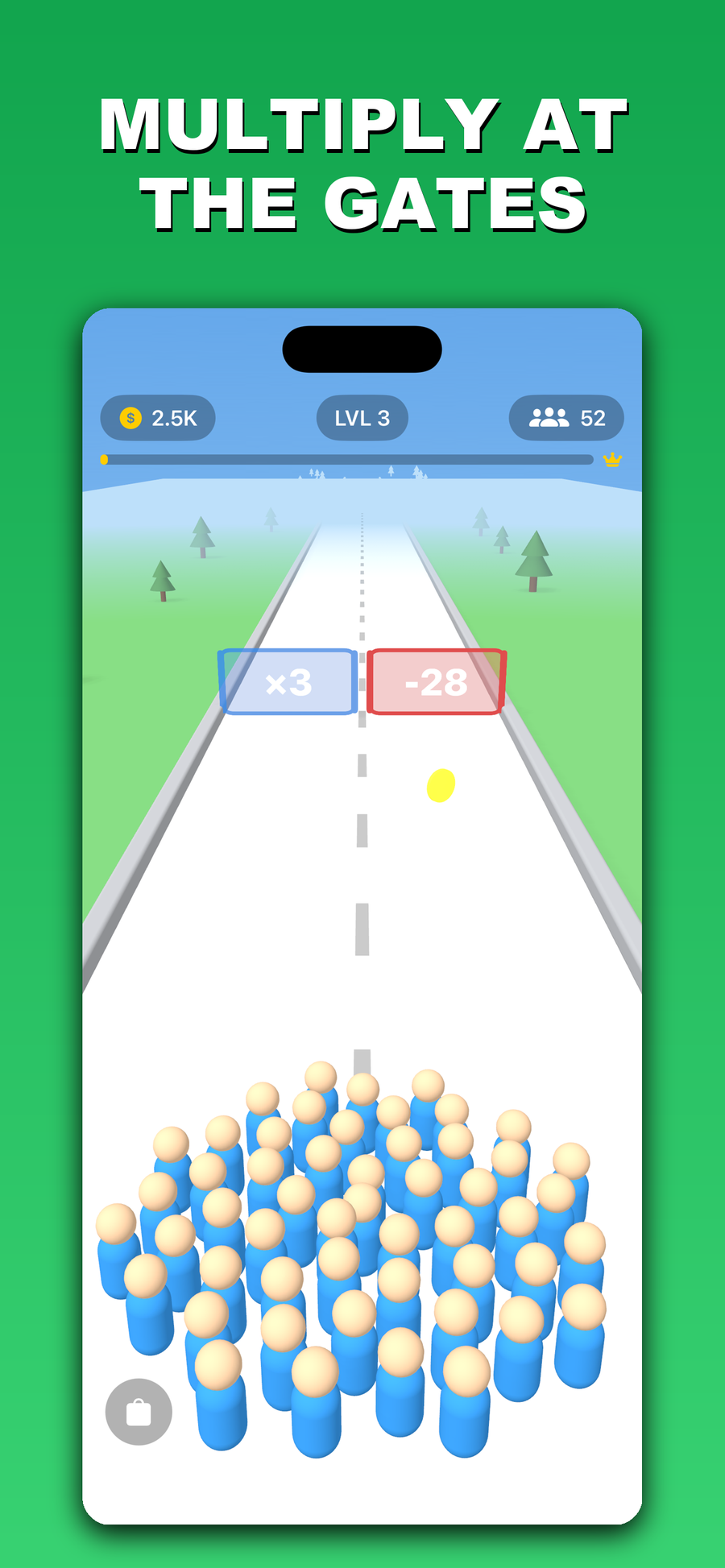
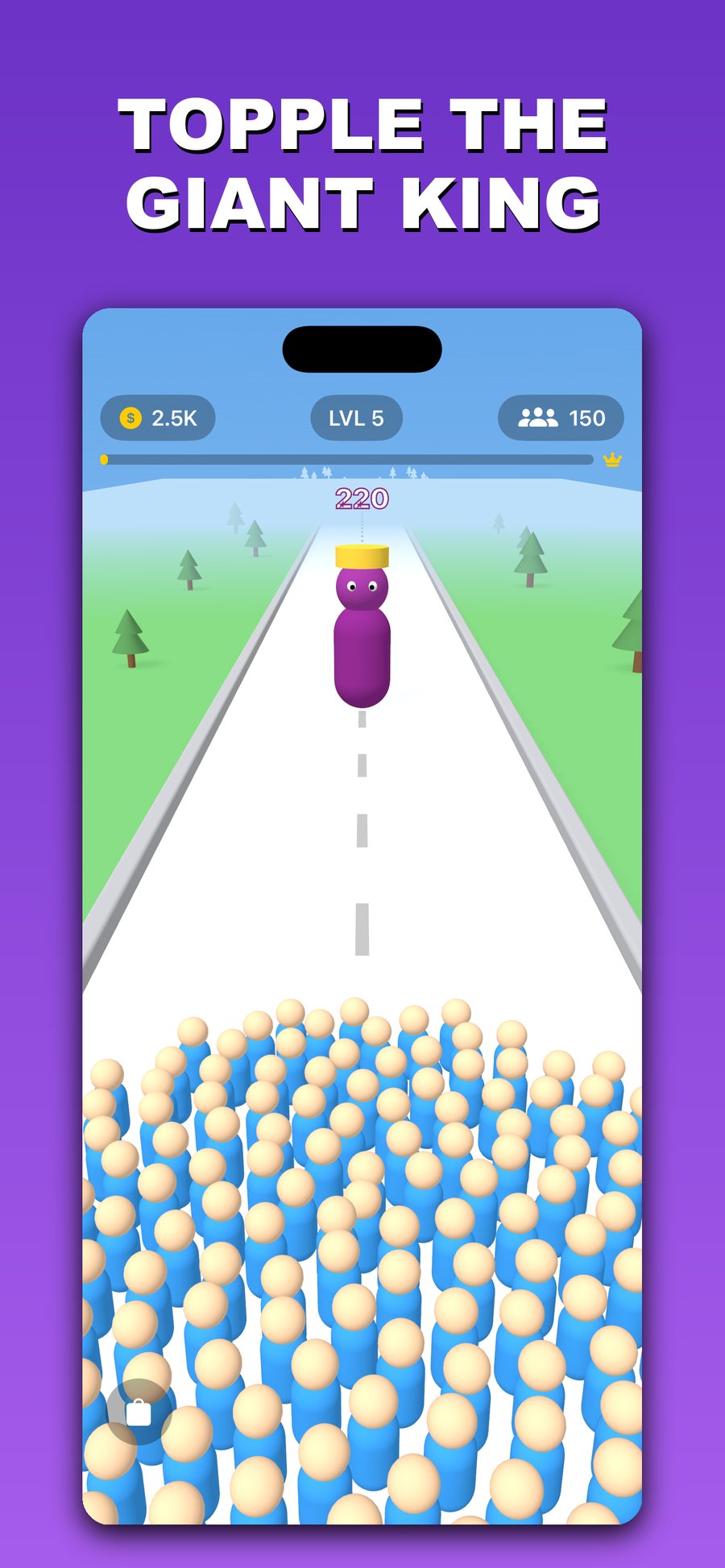
Frequently asked questions
How do in-app purchases work?
Swarmly is free to play. There are optional in-app purchases — the Starter Pack and a one-time Remove Ads — and they're all processed securely by Apple through the App Store using your existing Apple Account. We never see or store your card details. You can review your purchases any time in Settings → [your name] → Media & Purchases on your device.
How do I restore my purchases?
If you bought Remove Ads or the Starter Pack and don't see it on a new device, open Settings inside Swarmly and tap Restore Purchases. As long as you're signed in with the same Apple Account you purchased with, your items will come right back — at no additional charge.
Can I get a refund?
Refunds for App Store purchases are handled by Apple, not by us. Go to reportaproblem.apple.com, sign in with your Apple Account, find your Swarmly purchase, and choose Request a refund. If you have any trouble, email us and we'll help point you in the right direction.
What kind of ads does Swarmly show?
Swarmly has zero banner ads and zero interstitial ads — nothing pops up mid-run. The only ads are optional rewarded videos that you choose to watch in exchange for a bonus (like a revive or extra coins). They're served through Google AdMob. Prefer none at all? The one-time Remove Ads purchase turns them off completely.
I lost my progress. Can I get it back?
Your progress, coins, and owned cosmetics are saved on your device, and — if you have iCloud enabled for Swarmly — synced to your Apple Account so they can follow you between devices. If you play with Game Center, your best results are tied to your Game Center profile. If something still looks off, email us with your device model and iOS version and we'll do our best to help.
How do I turn off sound, or manage Game Center?
Sound and music can be toggled in the game's Settings screen. Game Center leaderboards and achievements are managed by iOS — you can sign in or out from iOS Settings → Game Center.
Contact
Still stuck, or just want to say hi? Email us at playhypegames@gmail.com.
Please include your device model and iOS version so we can help faster. We read every message.